ElevenLabs SFX v3: several sounds in one scene
Rain, footsteps and a moving door in one description: SFX v3 invites a scene-level approach to sound. Here is where it could help and what still needs checking.
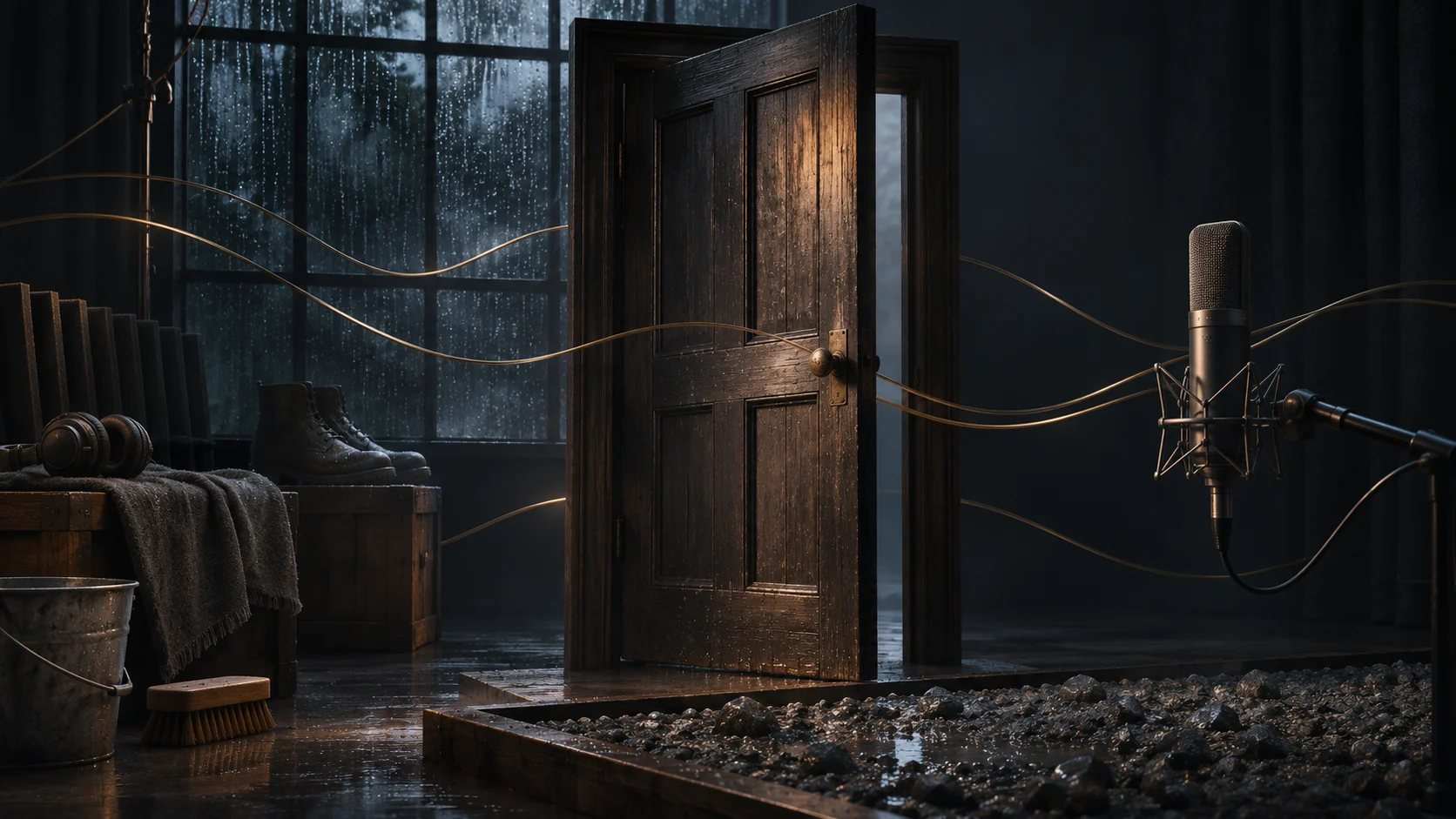
On October 29, 2026, ElevenLabs introduced SFX v3 in ElevenCreative and its API. The company says it improves multi-sound prompts and musical or vocal elements. This article examines the announcement and a possible workflow; we have not tested the model ourselves.
Thinking in scenes rather than isolated effects
A short video's sound depends on relationships as much as individual textures. A door creak may distract from narration; rain may obscure a quiet footstep. An oversized accent can turn a reassuring commercial into a suspense scene. Describing several events together is therefore interesting as a way to explore an overall direction.
ElevenLabs also reports fewer unwanted artifacts in ringing and whistling sounds. That is the developer's assessment, not a result we have independently confirmed. Each effect still needs to be judged within the intended edit.
A practical example: arriving at a doorway
Imagine a short film for a countryside guesthouse: a rainy courtyard, an approach to a door and a transition into a warm interior. Our proposed exploratory brief is: «Quiet courtyard rain, approaching footsteps on wet gravel, then a gentle wooden door creak; a calm mood, no music or speech». This is an example request, not a promise of an exact output.
Choose the scene's central idea first. If the point is a feeling of arriving home, rain might recede as the door opens. If the film showcases craftsmanship, the texture of wood and the mechanism may deserve greater attention. The same images can support different sound decisions.
A combined version can help discuss atmosphere. If individual events later need independent volume or timing adjustments, prepare them as separate files and assemble them in the edit. A complex prompt does not by itself mean that every sound source will arrive as an editable separate track.
Limits to check before production
The documentation gives a maximum of 30 seconds per generation and supports looping. Exact repetition counts may not be followed. Four visible footsteps or an impact at a particular moment therefore need checking and, where necessary, editing.
API users must explicitly select eleven_text_to_sound_v3; the reference still lists v2 as the default. Its duration_seconds field accepts 0.5–30 seconds, while the capabilities overview mentions a 0.1-second lower bound. For an integration, follow the endpoint reference. Checked November 4, 2026.
We do not estimate a finished video's cost from this announcement. The number of attempts, account conditions and subsequent sound work all matter. Check the selected plan's terms and the necessary permissions for your materials before commercial use.
Review sound in the picture
Compare options at similar listening levels against the same edit. Identify the main cue, the necessary pauses and the moments where narration must remain clear. Feedback such as «the door sounds too heavy for this interior» points toward a useful change.
Once a direction is chosen, listen to the whole piece on headphones and ordinary speakers. Check entrances, endings and transitions: cutting an effect's tail too early can disrupt the sense of space. For a repeating ambience, listen across several loop boundaries as well.
Bring a rough cut, duration, publishing platform and a list of important sounds to the project discussion. The related services below connect that brief to sound design, commercial video or animation production.
Sources
Official materials from the developer. The practical conclusions are our editorial perspective.
For your project
Turn an update into an idea
Tell us what you want to create. We’ll explore the right format and where the technology could support your project.