A course at Kadr Academy

AI Creator: Generative AI and Editing. The Complete Video Workflow

Work through the complete video process, from an idea and script to generation, editing and a final project presentation. An online beginner course from Kadr Academy.

Teaching language: Russian
Course curriculum↓
AI CREATOR

IDEA / GENERATION / EDIT

25 weeksCourse duration
8Curriculum modules
300 academic hours100 hours of live classes, 200 of independent study
5 projectsPortfolio work specified in the curriculum

COURSE TRAILER

From an idea to your own film.

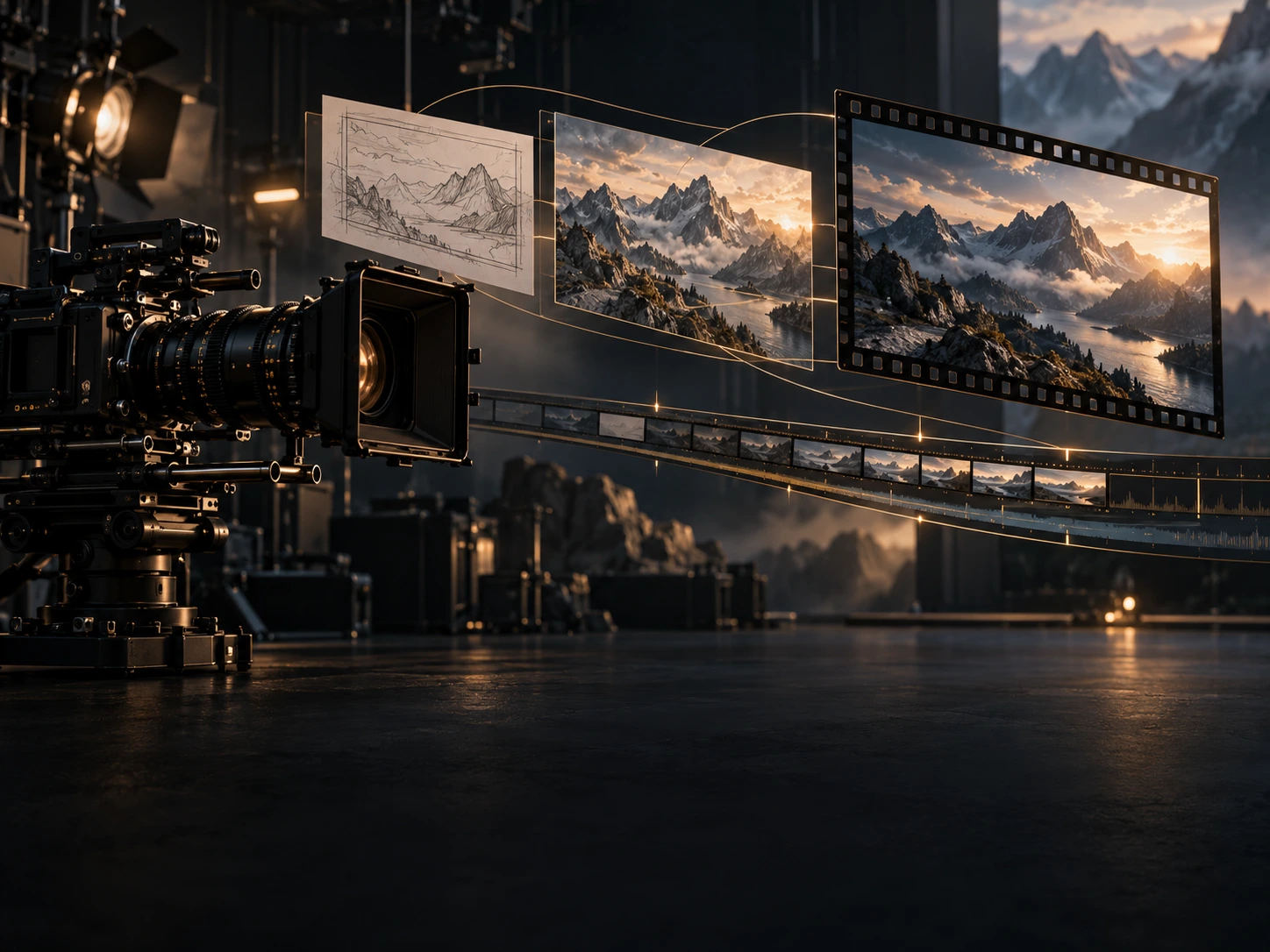
Watch the course trailer: visual worlds, animation and stories created with AI.

Who it is for

Who it is for

  • ↗Beginners who want to start creating video with AI.
  • ↗Anyone who wants to turn an idea into a script and a sequence of shots.
  • ↗Creators who want to combine generation, sound and editing in one workflow.
  • ↗Learners looking for practical assignments, reviews and a final project.

What you will work towards

What you will work towards

  • ✦Scripts, storyboards and AI prompts developed with GPT.
  • ✦Video material and scenes created in Kling AI and Google Flow.
  • ✦Editing, voice, audio and subtitle work in CapCut.
  • ✦Five portfolio pieces, including a final video lasting 60 seconds to 3 minutes.

Curriculum: 8 modules

Course curriculum

01Video fundamentals and the concept2 weeks+

A project brief and an initial 15–20-second video.

02GPT: scripting and storyboarding3 weeks+

A 30–60-second script, a 15–25-shot storyboard and a set of 20 prompts.

03Kling AI: generating video material4 weeks+

30–45 seconds of video material.

04Google Flow: building scenes4 weeks+

Scenes assembled into 30–60 seconds of video material.

05CapCut: a digital presenter2 weeks+

Content featuring a digital presenter, voice and subtitles.

06Combining different services3 weeks+

A 45–90-second piece combining material from different tools.

07CapCut: editing and finishing4 weeks+

Refined material with editing, sound and final processing.

08Final project and presentation3 weeks+

A finished video lasting 60 seconds to 3 minutes and a project presentation.

Course tools

GPTKling AIGoogle FlowCapCut

Course questions

Do I need experience with AI or editing?+

The course is presented as suitable for beginners. It starts with video fundamentals and planning your own project.

How does the course work?+

Online, with one live session a week, practical assignments and work reviews. The curriculum runs for 25 weeks and includes independent study between sessions.

What language is the course taught in?+

The course and individual training are taught in Russian only.

What document is issued after completion?+

After the final presentation: a professional retraining diploma for learners with vocational or higher education; otherwise an Academy certificate.

Start with an idea

Your ideahas a next chapter.

A brand film, a video for your new song or your first steps with AI. Tell me what you would like to create.

Project consultantAI

Video · Music · Visuals · Learning

Checking connection…
You’re viewing:AI video creation course

Gleb teaches all these subjects in Russian only.

A tag will be added to your draft. Review it before sending.

All training subjects12 services

A tag will be added to your draft. Review it before sending.

You can also ask

Attach files
Or drop files here

Up to 5 files · 25 MB each · 100 MB total

Images, PDF, Word, Excel, presentations, text, audio, video and ZIP. Share a link for larger source files.

Files go to private storage. When you send a message, images and documents up to 5 MB are shared with AI for review (up to 10 MB per message). Other files are kept for Gleb. Unsubmitted attachments expire after 7 days and are removed during storage cleanup.

Uploads are temporarily unavailable. You can share a link in your message.

Your draft stays in this tab. The caption above the tags explains what selecting one will do.

If the embedded video is unavailable, you can open the original.